A stair lift that is completely dead usually has a simple root cause, but finding it safely requires an organized checklist. In service calls, I have seen homeowners assume the motor failed when the actual problem was a switched-off isolator, a tripped breaker, loose charging contact, or an emergency stop button pressed by accident. “Completely dead” means the lift shows no lights, no beep codes, no movement, and no response from armrest controls or remotes. That condition matters because the lift depends on low-voltage batteries, a charger, track contacts, safety circuits, and household power working together. If one link in that chain fails, the chair can appear lifeless. This guide explains the exact order to check those points, what each symptom means, and when to stop troubleshooting and call for professional service. It also serves as the central reference for lift not working step-by-step help, so you can identify whether the issue is electrical supply, charging, battery condition, controls, safety edges, or a component fault before you spend time or money on the wrong fix.
Start with the safest first checks
Before touching anything, make sure the user is off the stair lift and the staircase is clear. Do not remove covers, open the carriage, or bypass any switch. Most residential stair lifts from Bruno, Stannah, Handicare, Acorn, Harmar, and Platinum run on batteries that are charged from household power, typically through a 120-volt outlet in North America or 230-volt supply in many other markets. Even when the chair is battery powered, loss of charging power can leave the lift dead after the batteries discharge. Begin with the obvious but critical checks: verify the seat is fully swiveled back into the travel position, the armrests are down if your model requires them, the footrest is not folded incorrectly, and the key switch is turned on if fitted. Many “dead” units are actually in a locked or parked-out-of-travel state.
Next, check the emergency stop. On many models it is a red mushroom button on the armrest or carriage. If it has been pressed, twist or pull it according to the manufacturer’s instructions to reset it. I have found this especially common in homes with grandchildren, cleaners, or recent moving activity near the chair. Then confirm the main power switch or isolator is on. Some installers place a wall switch near the rail, while others use a switched fused spur or a dedicated outlet behind the staircase. If the outlet is controlled by a wall switch, turn that switch on and test the outlet with a lamp or phone charger. If the outlet is dead, check the home’s breaker panel or consumer unit. A tripped breaker, GFCI, or RCD can interrupt charging entirely.
Follow the power path in the right order
The most effective way to diagnose a dead stair lift is to trace power from the house supply to the charger, then to the batteries, then through the lift’s safety and control circuits. This sequence prevents guesswork. Start at the branch circuit. Look for a tripped breaker labeled stair lift, mobility equipment, or hallway outlet. Reset it once if needed. If it trips again immediately, stop there and call an electrician or lift company, because repeated trips can indicate a short, charger failure, or wiring fault.
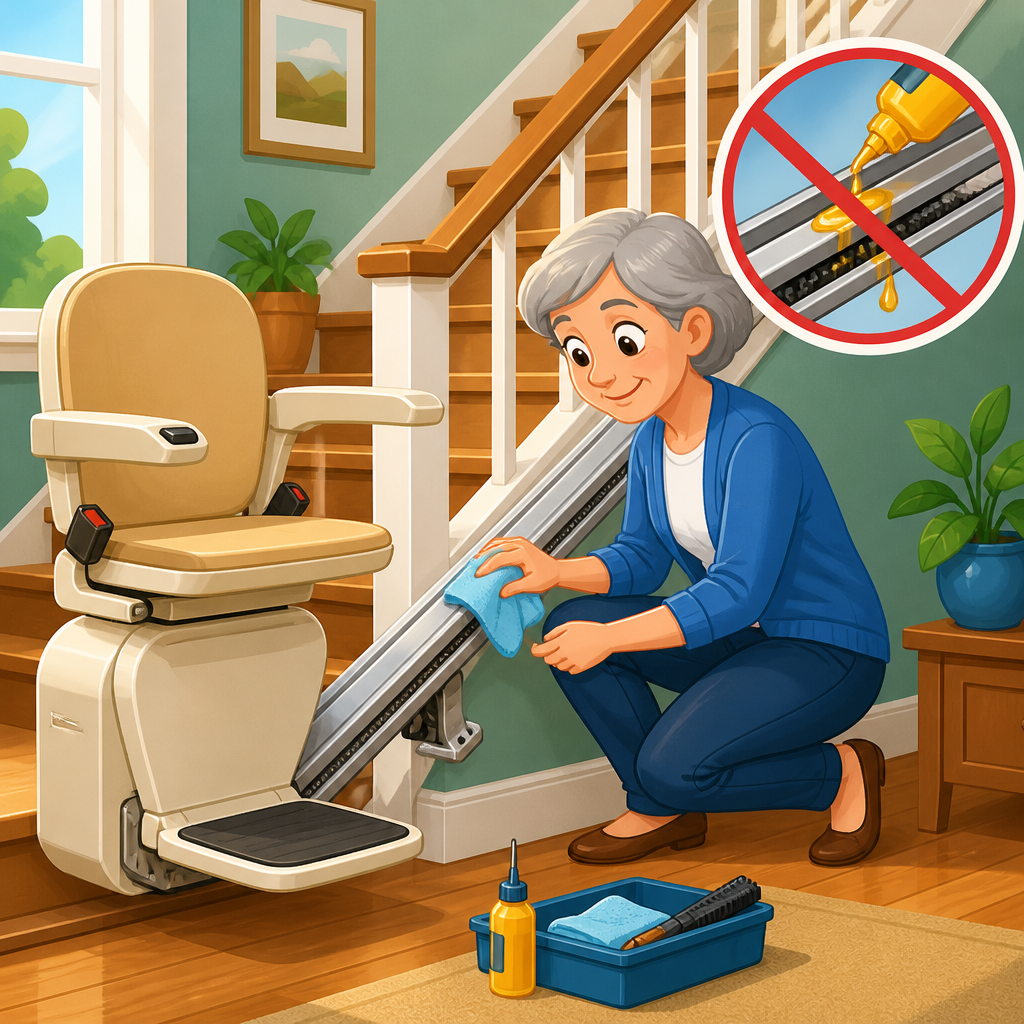
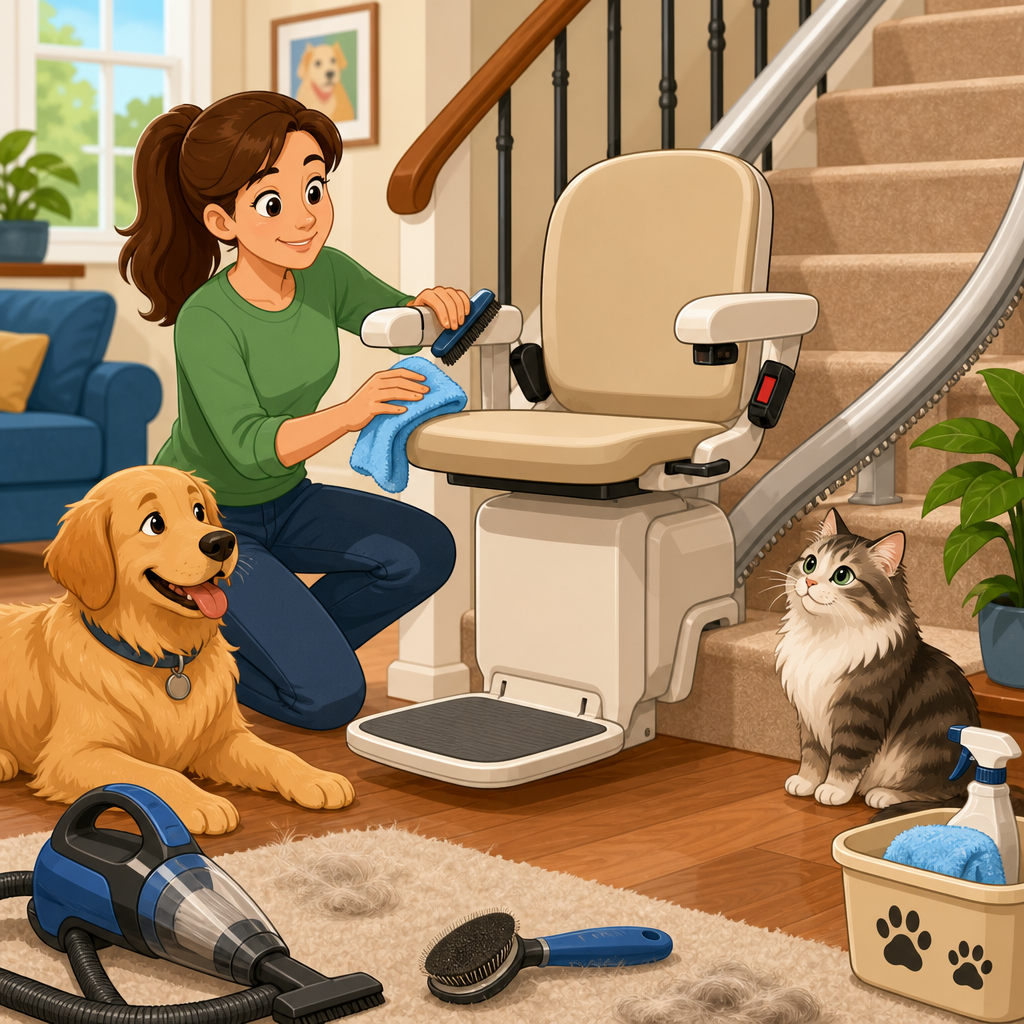
Once house power is confirmed, inspect whether the charger has power. Many chargers have a small indicator light. If the charger light is off and the outlet is live, the charger itself may have failed or its inline fuse may be blown. If the charger light is on, move to the charging points. Most stair lifts charge only at specific spots on the rail, using spring-loaded charge contacts or metal strips. If the chair is parked just short of the charge point, the batteries may not recover, and after enough time the lift can become completely dead. Nudge the chair only if your manufacturer allows manual movement; otherwise use a call station if there is enough residual power. Dirt, pet hair, oxidation, or bent charge tabs can also break the charging circuit. I have restored dead units simply by cleaning charge contacts with the power isolated and the correct approved method in the service manual.
| Checkpoint | What to look for | What it usually means | Next action |
|---|---|---|---|
| Wall outlet or spur | No power at outlet, switch off, GFCI or breaker tripped | House supply problem | Restore outlet power and retest charger |
| Charger indicator | Light off with live outlet | Failed charger or blown fuse | Arrange charger testing or replacement |
| Charge contacts | Chair not parked on contacts, dirt or bent tabs | Batteries were not charging | Clean, align, and park correctly |
| Battery condition | No lights, weak beeps, unit revives briefly then dies | Discharged or failed batteries | Load test and replace as a matched pair if required |
| Safety circuit | Seat not locked, footrest edge triggered, stop button engaged | Open safety interlock | Reset the specific safety device |
| Controls | Chair works from one control only, or from none | Remote, armrest, PCB, or wiring fault | Test controls systematically |
Check battery health and charging behavior
If house power and charger power are present, the next suspect is the battery set. Nearly all modern stair lifts use sealed lead-acid batteries, commonly 12-volt units wired in series for a 24-volt system. Typical life is about three to five years, though heat, undercharging, and frequent use can shorten that. A lift can seem completely dead when weak batteries fall below the board’s minimum operating voltage. This happens often after a power outage if the lift was left off the charging point, or when an aging charger maintained the batteries poorly for months before failure became obvious.
Battery problems have clues. The lift may have worked slowly before dying, beeped when parked, or stopped midway in recent weeks. In many service visits, a meter test shows “surface voltage” that looks acceptable at rest, yet the batteries collapse under load. That is why proper battery diagnosis requires more than reading voltage with no movement demand. A technician will check charger output, battery resting voltage, and battery voltage under load, then compare the readings to the manufacturer’s thresholds. Replacing only one battery in a pair is poor practice because the older mate drags down the new one; matched replacement is the standard approach. If the batteries are swollen, leaking, or warm, stop using the lift and arrange service immediately.
Inspect controls, interlocks, and parking position
A stair lift can also appear dead because the control circuit is open. Start with the simplest interlocks. Confirm the seat is locked in the forward travel position, because most lifts disable motion when the seat is rotated for landing access. Check the footrest and carriage safety edges for anything trapped underneath. Socks, rug fringe, pet toys, and even dried mud can hold a safety edge open. On some models, a failed microswitch in the swivel seat, footrest hinge, or armrest joystick prevents all response. Remote controls deserve separate attention. Wireless remotes use batteries that can fail silently, while hardwired wall stations can develop loose terminals or broken low-voltage conductors.
Parking position matters more than many owners realize. Some lifts must rest precisely at the top or bottom charge station, while others have overrun charging points beyond the staircase. If the chair was left a few inches away, especially after someone manually moved it during cleaning or renovation, the batteries may have drained to the point where no indicator lights remain. In that case, restoring the chair to the charge point can bring it back only if the batteries are not permanently damaged. This is one reason many manufacturers recommend parking on charge whenever the lift is not in use. It preserves battery health and reduces no-start complaints.
Know the difference between user-fixable and service-only faults
The practical boundary is straightforward. You can safely check supply power, outlet function, breaker status, key switch position, emergency stop reset, seat position, obvious obstructions, and whether the chair is correctly parked on charge. You can also replace remote batteries if your manual instructs it. Beyond that, diagnostics usually require a wiring diagram, meter, and model-specific procedure. Charger replacement, battery load testing, limit switch checks, board diagnostics, and contact alignment should be handled by a trained stair lift technician. That is not sales talk; it is about safety and avoiding secondary damage.
Several faults are common enough to name directly. A failed charger can over time mimic bad batteries. A broken charging loom where the cable flexes can interrupt current even though the outlet and charger are fine. Corroded charge strips create intermittent charging that confuses the diagnosis. On older lifts, relay contacts on the main board can fail, and on newer lifts, a controller may lock out after undervoltage or a sensor fault. Gearbox or motor failure is possible, but it is not the first assumption when a stair lift is completely dead. In my experience, power supply, charging, batteries, and interlocks account for the majority of total no-response calls.
Use this page as your hub for lift not working step-by-step help
This stair lift troubleshooting hub is designed to point you to the right next article or service path based on what you find. If the outlet is dead or the breaker will not stay reset, the next topic is household power and dedicated circuits. If the charger light is off with a live outlet, focus on charger testing and replacement. If the charger is on but the chair has no life after sitting on the charging point, the likely branch is battery diagnosis and end-of-life replacement. If one control works and another does not, the next path is remote, armrest, and call-send troubleshooting. If the chair has power but will not move, the branch shifts from “dead” to safety edges, seat swivel interlocks, overspeed governors, and fault code interpretation.
For owners, this hub also supports better maintenance decisions. Keep the user manual accessible, note the model and serial number, and write down the exact symptoms before calling for help. Useful details include whether there were any beeps, whether a power outage happened recently, whether the chair was parked at a charging station, and how old the batteries are. That information helps a technician bring the right parts on the first visit. Preventive care matters too: keep charge contacts clean, avoid switching off the supply, and schedule periodic service according to the manufacturer’s interval. Those habits reduce emergency failures and extend battery life.
When to call for immediate professional help
Call a stair lift technician promptly if the unit is still dead after the basic checklist, if a breaker trips repeatedly, if you smell overheating, if you see damaged cables, or if the chair stopped after making unusual grinding or clicking noises. Also call if the lift stranded a user, even if it later revives, because intermittent electrical faults tend to worsen. Reputable technicians will verify supply voltage, charger output, battery condition under load, safety circuit continuity, and board status in a fixed sequence. Many brands also support fault retrieval through onboard LEDs or service tools, which speeds diagnosis significantly.
If your lift is older, ask whether parts remain supported. Some legacy models have discontinued boards or chargers, and the smartest decision may be a modernization rather than repeated repair. On the other hand, many dead-lift problems on otherwise sound units are inexpensive to solve, especially when caught early. A pair of batteries, a charger, or a contact adjustment is far different from replacing an entire system. The value of a step-by-step checklist is that it separates simple causes from true component failures quickly and safely.
A completely dead stair lift is not a mystery if you check it in the right order. Start with safety, then confirm the home power supply, charger status, charging position, battery condition, and basic interlocks. That sequence reflects how the system actually works and avoids replacing good parts. In most cases, the cause is loss of supply power, failed charging, worn batteries, a pressed emergency stop, or a seat or footrest safety circuit left open. More complex issues such as board faults, wiring breaks, or motor problems do happen, but they come later in the diagnostic process. For homeowners, the main benefit of this approach is speed: you can rule out the common causes fast and give a technician accurate information when service is needed. Use this hub as your starting point for lift not working step-by-step help, then move to the specific branch that matches your symptom. If your checks do not restore the lift, book qualified service today and keep the unit parked correctly and maintained regularly to prevent the next dead-stop failure.
Frequently Asked Questions
What does it mean when a stair lift is “completely dead,” and why is that different from a lift that just will not move?
A stair lift is considered completely dead when it shows no signs of life at all: no indicator lights, no display, no beep codes, no movement, and no response from either the armrest controls or the remote controls. That is different from a lift that still has power but refuses to travel because of another fault, such as a swivel seat not locked in place, a footrest safety edge being pressed, an overspeed fault, or an obstruction on the rail. In other words, “dead” points first to a power problem, while “powered but not moving” often points to a safety circuit or operating condition.
This distinction matters because it changes the order of troubleshooting. If the unit still lights up or beeps, you usually start by checking seat position, armrest status, footrest edges, charge position, and fault codes. But if everything is dark and silent, the smarter approach is to work through the power chain step by step. In many cases, the true cause is surprisingly simple: a wall switch or isolator was turned off, a breaker tripped, the charger lost power, the charging contacts are not making connection, the battery disconnect is off, or the emergency stop button was pressed accidentally. Starting with the basics prevents unnecessary panic and helps avoid jumping straight to expensive conclusions like motor or controller failure.
What is the safest step-by-step power checklist to follow when a stair lift is completely dead?
The safest checklist begins with the easiest and lowest-risk checks first. Start by confirming the obvious controls: make sure the key switch, if your lift has one, is in the ON position, and verify that the emergency stop button has not been pressed. Many stair lifts use a red mushroom-style stop button that cuts power instantly. If it is pushed in, the lift may appear fully dead until you twist or reset it according to the manufacturer’s instructions. Next, check that the seat is properly folded or positioned if your model requires that for operation, although on a truly dead unit this is less likely to be the root cause than a power interruption.
From there, check the home power supply feeding the stair lift. Look for a dedicated stair lift isolator switch near the rail, at the top or bottom landing, or close to the charger. It is common for this switch to be turned off during cleaning, decorating, or by mistake. Then inspect the breaker or fuse for the stair lift circuit at your electrical panel. A tripped breaker, GFCI outlet, or blown fuse can cut charging power and eventually leave the batteries so low that the lift appears completely dead. If the lift charger plugs into a standard outlet, make sure that outlet is live by testing it with another device, but only if it is safe and accessible.
Next, verify that the lift is parked on a charging point if your model charges only at specific spots on the rail. A lift left just off the charge contacts can drain its batteries over time until nothing responds. Inspect the charging strips or contact points for dirt, misalignment, looseness, or corrosion. Also check for a visible charger light if your model has one; many chargers show a status LED indicating whether mains power is present and whether charging is occurring. If house power is available but the charger shows no output or no status indication, the charger itself may have failed.
Finally, if the basic checks do not restore power, stop before opening covers or handling wiring. Batteries, chargers, and controller boards can only be diagnosed properly with the right tools and service information. At that point, the likely causes include discharged or failed batteries, a bad charger, a loose internal power connection, or a failed main control board. The value of the checklist is that it rules out the common simple causes first and gives a technician a much clearer starting point if professional service is needed.
Can dead batteries make a stair lift look completely lifeless even if the lift is plugged in?
Yes. On most residential stair lifts, the motor runs from onboard batteries, and the household electrical supply powers a charger that keeps those batteries topped up. That means wall power alone does not directly drive the lift in the way many homeowners expect. If the charger loses power, if the lift is not parked on its charging contacts, or if the charger itself fails, the batteries gradually discharge. Once they become deeply depleted, the lift may show no lights, no beeps, and no response at all, even though the unit is technically still plugged into the house supply.
This is one of the most misunderstood stair lift problems because the outlet may still be live while the batteries are already too weak to power the controls. In service situations, that often leads people to assume a major electrical failure when the real issue started days or weeks earlier with missed charging. Common clues include the lift being left slightly away from its charge point, a rail contact that is dirty or bent, or a charger indicator light that is off when it should be on. In some cases, older batteries will no longer hold a usable charge even after power is restored, especially if they were allowed to remain deeply discharged.
If you suspect this, first confirm that the charger has mains power and that the lift is correctly positioned on a charging point. Then give it time to recover if the batteries were drained. However, if the batteries are several years old or the lift does not show any signs of life after proper charging conditions are restored, replacement batteries or charger testing may be necessary. Because battery and charger systems vary by brand and model, a technician can verify charging voltage and battery health safely and accurately.
What are the most common simple causes of a completely dead stair lift before you assume a major failure?
The most common simple causes are a switched-off isolator, a tripped breaker, a dead or unplugged charger, a lift parked off the charging contacts, accidental activation of the emergency stop button, and weak or exhausted batteries. These issues account for a large share of “completely dead” complaints because they interrupt the power chain in very ordinary ways. For example, a stair lift isolator may be switched off by a homeowner, cleaner, electrician, or family member without anyone realizing what it controls. Likewise, a nearby outlet might be controlled by a wall switch, or a GFCI receptacle may have tripped and cut power to the charger.
Charging contact issues are especially common. Stair lifts often rely on spring-loaded or fixed contacts at one or both ends of travel, and if the unit stops just short of them, the batteries do not recharge. Dust, pet hair, oxidation, or slight contact misalignment can worsen the problem. Another easy-to-miss cause is the emergency stop button being pressed unintentionally while using the seat, cleaning around the armrest, or moving items on the staircase. Because that button is designed to cut operation immediately, it should always be checked early in the process.
Only after these simple possibilities are ruled out does it make sense to think about less common failures such as a defective charger, failed batteries, broken wiring, or a bad control board. The key point is that a “dead” stair lift often has a basic power interruption rather than a catastrophic mechanical problem. A calm, organized inspection usually gets you to the answer much faster than guessing.
When should you stop troubleshooting a dead stair lift yourself and call a professional?
You should stop and call a professional as soon as the checks move beyond user-accessible items like switches, breaker status, outlet power, charge position, and emergency stop reset. If the stair lift still shows no signs of life after those checks, the next steps often involve testing charger output, battery voltage, internal fuses, wiring continuity, and control board inputs. Those are not ideal do-it-yourself tasks for most homeowners because the equipment is specialized, access may require removing covers, and incorrect handling can create safety risks or damage components.
You should also call for service immediately if you notice burning smells, melted plastic, scorched wiring, water intrusion, visible corrosion, physical damage to the rail or carriage, or repeated breaker trips. Those signs suggest a fault that goes beyond routine reset-and-recover troubleshooting. Another good reason to stop is when a user depends on the lift daily and any uncertainty could leave them without safe stair access. In that case, fast professional diagnosis matters more than extended trial and error.
When you do call, it helps to report exactly what you observed: whether there were any lights or sounds, whether the charger indicator was on, whether the outlet had power, whether the emergency stop was engaged, whether the lift was sitting on its charge point, and whether the batteries are original or older. That information can shorten the service visit and lead to faster repair. In many cases, a technician can resolve a completely dead stair lift quickly once the basic checklist results are known.