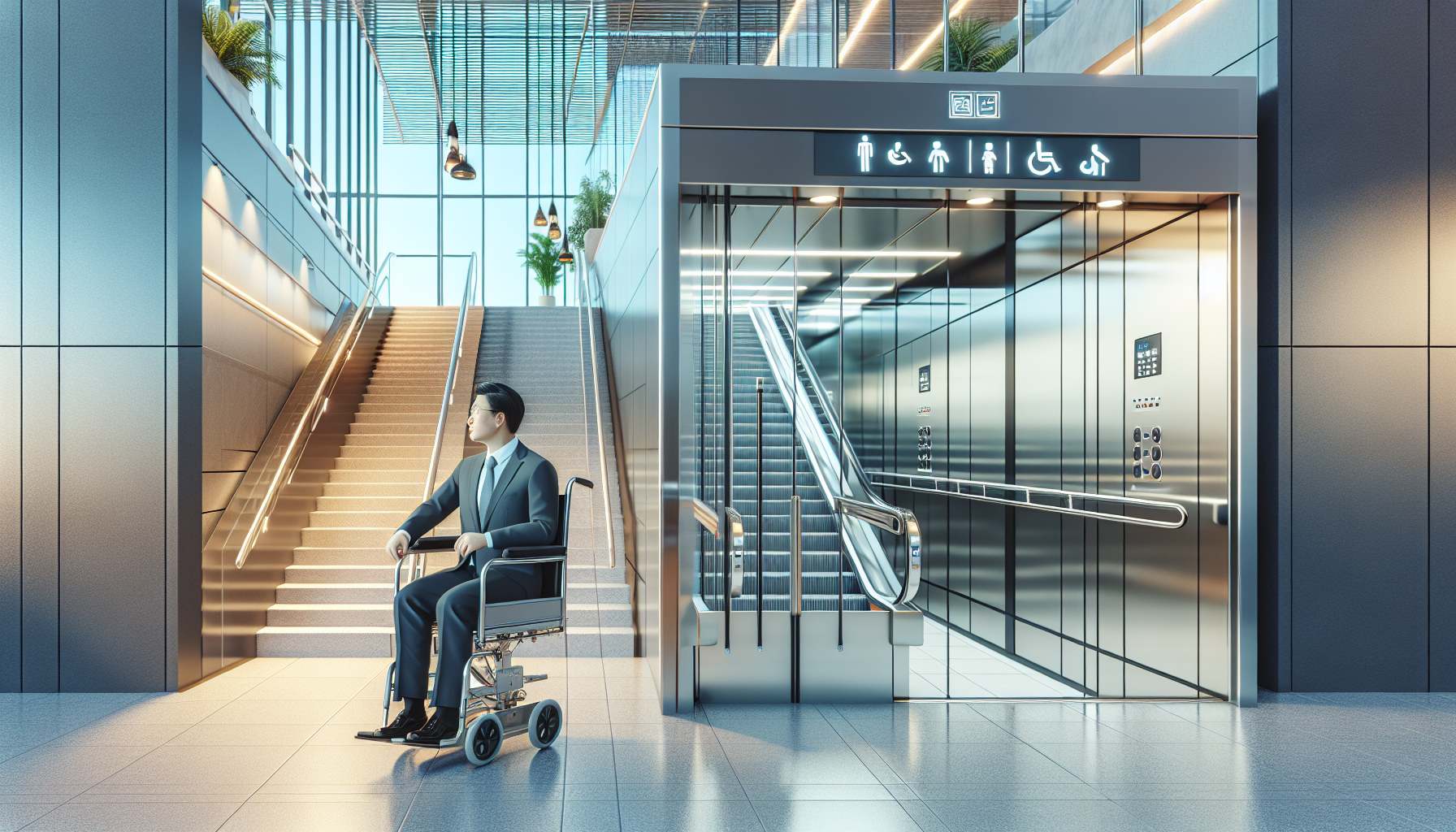
Motion-sensor lighting makes accessible homes safer, easier to navigate, and more energy efficient by turning lights on automatically when movement is detected. In accessibility design, that simple function solves several daily problems at once: it reduces the need to reach for switches, improves visibility during transfers and night movement, and supports more independent living for people with mobility, vision, cognitive, or dexterity challenges. As the smart home category has matured, motion-sensor lighting has shifted from a convenience feature to a practical accessibility tool. In projects I have worked on, it is often one of the first upgrades families request because the payoff is immediate, visible, and relatively affordable compared with major structural remodeling.
To understand the benefits of motion-sensor lighting in accessible homes, it helps to define the core terms. Motion-sensor lighting uses passive infrared sensors, microwave sensors, ultrasonic sensors, or camera-based detection to identify movement or occupancy and trigger illumination. Accessible homes are residences designed or adapted to help people use spaces safely and comfortably regardless of age or disability status. Smart home integration means these lighting devices are connected to a broader system that may include hubs, voice assistants, smart switches, occupancy routines, emergency alerts, door sensors, thermostats, and remote monitoring tools. When these systems work together, lighting becomes part of a larger support network rather than a standalone gadget.
This matters because falls, navigation errors, and delayed response times remain major household risks. The U.S. Centers for Disease Control and Prevention has long reported that falls are a leading cause of injury among older adults, and poor lighting is a well-known contributing factor. Inaccessible light switches can also create unnecessary strain for wheelchair users, people with arthritis, and anyone carrying mobility aids or medical equipment. Smart lighting addresses these issues by providing light at the point of need, at the right brightness, and often without any physical effort. That combination is especially valuable in entryways, bedrooms, bathrooms, kitchens, hallways, stair landings, garages, and exterior paths where timing and visibility matter most.
As a hub page within Accessibility & Mobility Solutions, this article explains not just why motion-sensor lighting helps, but how it fits into broader smart home integration. A good system supports daily living, nighttime safety, caregiver coordination, and future adaptability. It can link with voice control, schedules, geofencing, contact sensors, and app-based monitoring to create a home that responds to the resident instead of forcing the resident to adapt to the home. That is the central benefit, and it is why motion-triggered lighting deserves serious consideration in any accessibility plan.
How motion-sensor lighting improves safety and independence
The clearest benefit is safer movement. When a resident gets out of bed at 2 a.m., walks to the bathroom, enters a dim hallway, or returns through a garage with hands occupied, automatic lighting removes the delay between recognizing a need and getting enough visibility to move confidently. In homes where I have audited nighttime pathways, even a two-second delay can be enough to increase instability, especially for people using walkers, canes, or prosthetics. Motion-sensor lighting shortens that gap to nearly zero.
For wheelchair users and people with limited reach, eliminating repeated switch use can also reduce fatigue. A wall switch placed outside recommended reach ranges or behind furniture may be technically present but functionally inaccessible. Ceiling-mounted occupancy sensors, low-profile smart sensors, or sensor-enabled lamps solve that problem without requiring a renovation. For residents with low vision, these systems can be configured for gradual ramp-up, warmer nighttime color temperature, or brighter task lighting in key zones. For people with cognitive impairment, they reduce the need to remember which switch controls which fixture, lowering confusion during transitions between rooms.
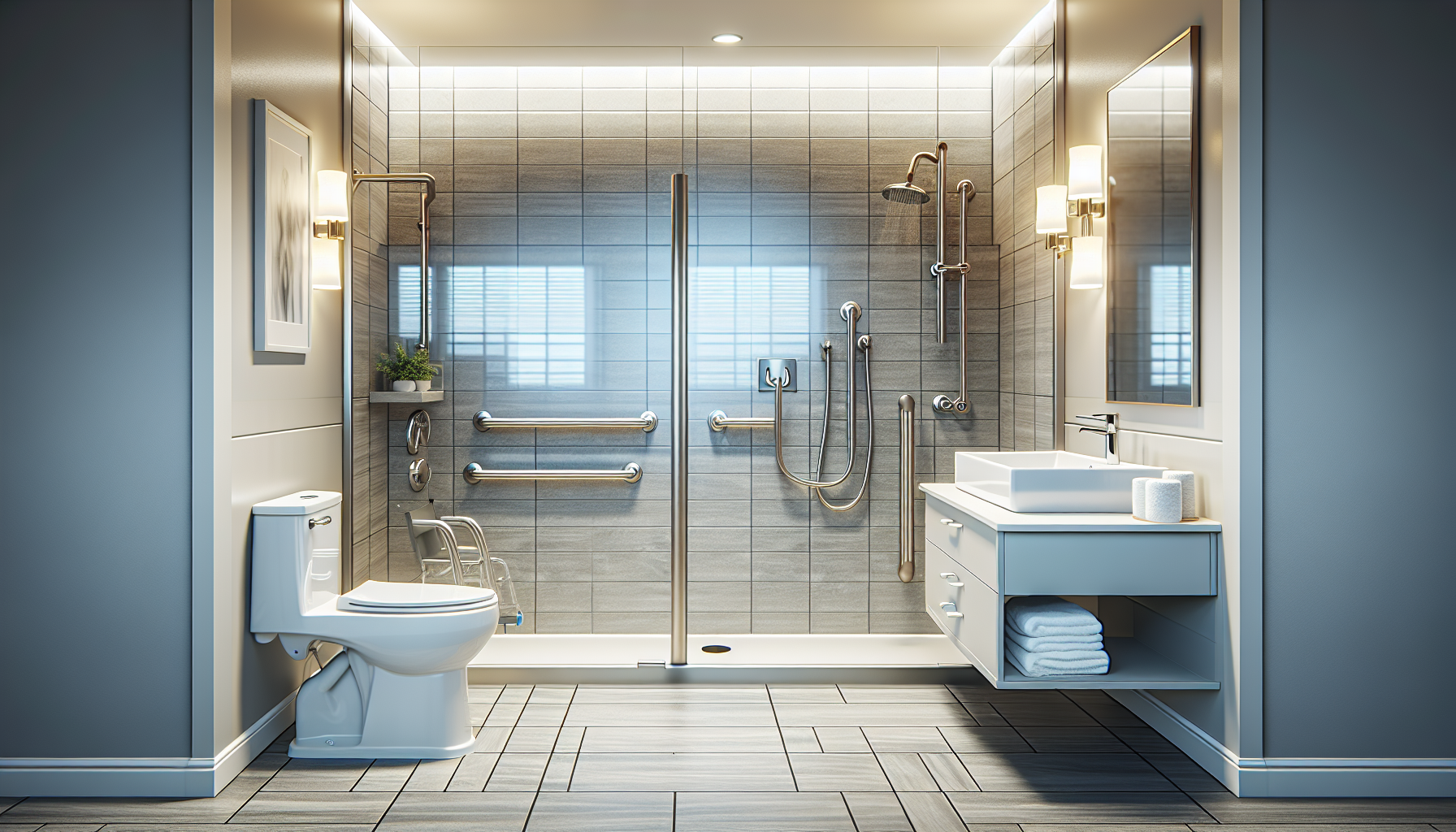
Automatic lighting also supports safer transfers. Consider a bathroom where a resident moves from bed to toilet using a walker. If under-cabinet lights, vanity lights, and pathway lights activate as the resident enters, the environment becomes readable immediately. Shadows are reduced, floor edges are clearer, and supportive fixtures such as grab bars are easier to locate. The same logic applies to stairs, threshold transitions, and ramps. In exterior settings, motion-triggered lights at porches, sidewalks, and driveways improve footing and can deter intruders at the same time.
Smart home integration turns basic sensors into a coordinated system
On their own, motion sensors are useful. Integrated into a smart home, they become much more powerful. A sensor can trigger not only a light, but a scene. For example, hallway motion after 11 p.m. can activate floor-level nightlights at 20 percent brightness instead of overhead lights, preserving orientation without overwhelming someone who has just woken up. Bathroom motion can turn on a fan and low-glare vanity light. Entry motion can unlock a route by illuminating the foyer, kitchen passage, and living room in sequence.
Major ecosystems such as Amazon Alexa, Google Home, Apple Home, Samsung SmartThings, Home Assistant, and Hubitat allow these automations through routines. Lighting products from Philips Hue, Lutron Caseta, Leviton, Aqara, TP-Link Kasa, and Eve can often be mixed, though protocol choice matters. Zigbee and Z-Wave devices usually offer strong reliability and low power use. Matter improves cross-platform compatibility, while Thread strengthens device-to-device communication. In practice, I recommend planning around response speed, local control, and accessibility of the app interface, not just brand popularity.
Integration also helps caregivers. If a sensor normally detects bathroom movement each morning but activity stops unexpectedly, some systems can prompt a notification. That should be configured carefully to respect privacy, but in the right situation it adds reassurance without relying on cameras. Smart lighting logs can also reveal friction points. If lights are triggered repeatedly in a hallway overnight, that may indicate insomnia, toileting frequency changes, or poor fixture placement. Used thoughtfully, those patterns can guide home modifications and care planning.
Best locations and setup choices for accessible homes
Placement determines whether motion-sensor lighting feels helpful or annoying. The highest-value locations are predictable travel routes and task zones. Bedrooms need pathway lighting from bed to door and bed to bathroom. Bathrooms benefit from layered lighting: entry activation, mirror lighting, shower-safe illumination where appropriate, and low-level overnight guidance. Hallways, stairways, kitchens, laundry areas, garages, mudrooms, and exterior approaches are also strong candidates. In accessible homes, closets and pantries matter too because reaching for pull chains or interior switches can be awkward.
Sensor type and angle are equally important. Passive infrared sensors detect heat movement and work well in many rooms, but they can miss very slow motion if mounted poorly. Ultrasonic sensors are more sensitive to subtle movement and are often effective in bathrooms or offices where a seated person may remain mostly still. Microwave sensors can detect through some materials and require careful tuning to avoid false triggers. For many homes, a mix works best. Timeout settings should match the room. A hallway may need thirty seconds to two minutes. A bathroom usually needs longer. Dimming behavior matters as well; abrupt shutoff can be disorienting.
| Area | Recommended lighting behavior | Accessibility benefit |
|---|---|---|
| Bedroom pathway | Low-level warm light on motion at night | Reduces glare and helps safe transfer from bed |
| Bathroom | Instant entry light plus longer timeout | Supports toileting and grooming with fewer missed activations |
| Hallway | Sequential lights or nightlights | Improves navigation and visibility of floor edges |
| Kitchen | Under-cabinet and task lighting on occupancy | Makes counters and appliances easier to use safely |
| Entry and exterior path | Brighter activation with dusk-to-dawn logic | Improves arrival safety and wayfinding |
Install height and field of view should align with the resident’s movement pattern. Someone using a wheelchair may approach a sensor differently than an ambulatory resident. Pets can also trigger false activations, so sensitivity and placement should be tested in real conditions. The best installations are tuned over several days, not left at default settings.
Energy savings, maintenance, and long-term value
Although accessibility is the priority, efficiency is a real secondary benefit. Lights that turn off automatically reduce wasted electricity, particularly in bathrooms, utility rooms, garages, and outdoor areas where fixtures are often left on. With LED bulbs, the energy draw is already low, but the cumulative savings across many fixtures still matters. More important in practice is the reduction in mental load. Residents and caregivers do not need to police switches constantly, and exterior lighting can be bright when needed without running all night.
Long-term value comes from adaptability. Needs change. A home that supports minor mobility limitations today may need stronger guidance lighting, voice integration, or caregiver alerts later. Motion-sensor lighting scales well because devices can be added room by room. It is also less disruptive than widening doorways or rebuilding bathrooms, though it often complements those modifications. Battery-powered sensors allow quick pilots, while hardwired switches and occupancy sensors provide a cleaner permanent solution. In retrofit work, I often start with battery sensors to validate behavior patterns before investing in wired upgrades.
There are tradeoffs. Cheap sensors can lag, fail to detect slow movement, or create nuisance activations. Cloud-dependent systems may respond poorly during internet outages unless local automation is available. Battery maintenance must be scheduled, especially for residents who cannot easily access ceiling devices. For that reason, professionally installed platforms such as Lutron or robust local systems built with Home Assistant can outperform lower-cost consumer kits in critical pathways. The right choice depends on budget, technical comfort, and how essential the automation is to safe daily living.
How to choose the right system and connect it to broader accessibility goals
The best motion-sensor lighting system starts with an accessibility assessment, not a shopping list. Map the resident’s daily route: bed to bathroom, chair to kitchen, entry to living area, car to front door. Note where switches are hard to reach, where glare is a problem, where falls nearly happened, and where hands are often occupied. Then choose devices that solve those exact issues. Smart bulbs are easy to deploy but depend on power staying on at the switch. Smart switches preserve familiar controls for guests and caregivers. Dedicated occupancy sensors offer stronger automation. Plug-in nightlights can fill gaps quickly.
Integration choices should support the whole accessibility strategy. Voice control helps when motion is not enough. Contact sensors can trigger lights when a door opens. Bed sensors can start a low-light pathway before feet reach the floor. Smart locks and video doorbells can pair with entry lighting for safer arrivals. Motorized shades can work with daylight sensors to reduce glare for low-vision residents. If a home already uses medical alert systems, ask whether lighting scenes can support emergency response by turning on key fixtures automatically.
Keep usability central. Apps need large text, clear labeling, and simple control paths. Manual override must remain available. Every automation should be understandable by the resident and the people supporting them. Test the system during daytime, nighttime, and power-loss scenarios. Document routines and battery schedules. Done well, motion-sensor lighting becomes a dependable layer of smart home integration that strengthens independence instead of adding technical friction.
Motion-sensor lighting delivers a rare combination of benefits for accessible homes: better safety, less physical effort, smoother nighttime navigation, lower cognitive load, and practical energy savings. Its real strength appears when it is integrated into a broader smart home plan that includes routines, voice control, contact sensors, and caregiver-aware notifications. Rather than treating lighting as a single fixture decision, accessible design treats it as an active support system that responds to how a resident actually lives.
The most effective setups are tailored, not generic. Good sensor placement, correct timeout settings, appropriate brightness, and reliable automation platforms make the difference between a home that feels intuitive and one that feels unpredictable. Bedrooms, bathrooms, hallways, kitchens, entries, and exterior paths should be prioritized first because they combine high traffic with higher risk. From there, homeowners can expand gradually as needs evolve. That staged approach keeps costs manageable while building a more responsive environment over time.
For anyone planning accessibility upgrades under the Accessibility & Mobility Solutions umbrella, motion-sensor lighting is one of the smartest starting points in smart home integration. Audit the routes used every day, identify the lighting delays and reach barriers that create risk, and build an automation plan around those realities. When the home provides light exactly when and where it is needed, independence becomes easier to protect. Start with one critical pathway, test it carefully, and expand from there.
Frequently Asked Questions
1. How do motion-sensor lights improve safety in accessible homes?
Motion-sensor lights improve safety by making sure key areas are illuminated automatically the moment someone enters or moves through a space. In an accessible home, that matters because many falls and injuries happen when a person is navigating in low light, especially at night, during transfers, or when moving between the bedroom, bathroom, hallway, and kitchen. Automatic lighting reduces the risk of missed steps, unseen obstacles, and awkward reaching for switches. For people who use wheelchairs, walkers, canes, or other mobility aids, not having to pause and stretch toward a wall switch can make movement smoother and more stable. It also helps people with limited dexterity, arthritis, or balance concerns avoid unnecessary physical strain. In practical terms, motion-sensor lighting supports safer transfers, clearer paths of travel, and better visibility exactly when it is needed most.
2. Who benefits most from motion-sensor lighting in an accessible home?
Motion-sensor lighting can benefit a wide range of people, not just one specific group. Individuals with mobility limitations often gain the most obvious advantage because lights turn on without requiring them to reach, twist, or reposition. People with vision impairments benefit from immediate illumination in entryways, hallways, bathrooms, stair areas, and kitchens, which can make orientation much easier. Those with cognitive challenges may also benefit because automatic lighting simplifies routines and reduces the need to remember whether lights were switched on or off. For people with limited hand strength or dexterity, motion activation removes a small but meaningful daily barrier. Even caregivers and family members benefit because the home becomes easier to supervise and safer to move through during nighttime assistance. In that sense, motion-sensor lighting supports universal design: it helps make the home more usable, comfortable, and independent for people with different needs and abilities.
3. Where should motion-sensor lights be installed for the greatest accessibility benefits?
The most effective locations are the spaces where visibility, safety, and convenience matter most. Hallways are one of the best starting points because they connect major living areas and are frequently used at night. Bedrooms and the path between the bed and bathroom are also high-priority zones, since automatic lighting can reduce nighttime fall risk. Bathrooms benefit significantly, especially near entrances, vanities, and toilet areas, where people may need immediate light for safe transfers and navigation. Entryways, garages, kitchens, laundry rooms, and stair-adjacent areas are also strong candidates. In accessible homes, it is especially helpful to think in terms of travel routes rather than isolated rooms. The goal is to create a consistent, well-lit path that activates as someone moves through the home. Proper placement should also account for sensor height, detection range, doorway angles, furniture placement, and how a person moves with mobility equipment, so the system responds reliably in real-life use.
4. Are motion-sensor lights energy efficient as well as convenient?
Yes, motion-sensor lights are often both energy efficient and highly convenient. Because they switch on only when movement is detected and turn off after a set period of inactivity, they help reduce the amount of time lights are left on unnecessarily. That can be especially useful in bathrooms, closets, hallways, utility rooms, and transitional spaces where lights are often forgotten. When paired with LED bulbs or integrated LED fixtures, the energy savings can become even more meaningful over time. From an accessibility standpoint, this efficiency is not just about lower utility bills. It also removes one more daily task from the user, which can be helpful for people who may find manual switching inconvenient, uncomfortable, or easy to forget. Modern systems often allow homeowners to adjust sensitivity, timer length, brightness, and even time-of-day behavior, making it possible to balance comfort, safety, and efficiency without sacrificing accessibility.
5. What should homeowners consider before choosing motion-sensor lighting for an accessible home?
Homeowners should look beyond basic motion detection and choose systems that match the household’s accessibility needs, layout, and daily routines. Sensor type matters, because some technologies detect broad movement better than subtle motion, and that can affect performance for people who move slowly or remain seated for periods of time. Adjustable sensitivity and shutoff timing are important so lights do not turn off too quickly or activate unnecessarily. Brightness level and color temperature also matter; softer, warmer lighting may be preferable at night, while brighter task lighting may be better for bathrooms or kitchens. Compatibility with smart home systems can be valuable if the homeowner wants voice control, scheduled lighting scenes, app-based adjustments, or integration with other accessibility tools. It is also wise to think about installation method, whether battery-powered, plug-in, or hardwired, and to consider backup behavior during power outages if safety is a major concern. The best results usually come from planning motion-sensor lighting as part of a broader accessible design strategy rather than treating it as a one-size-fits-all upgrade.