Smart lighting is one of the most practical home accessibility modifications because it reduces physical strain, improves navigation, and gives people more control over daily routines. In accessible homes, lighting is not just about brightness or style. It is a functional system that supports safer transfers, clearer pathways, easier task completion, and more independent living for older adults, wheelchair users, people with low vision, and anyone managing limited dexterity, fatigue, or cognitive changes. After helping families plan accessibility upgrades, I have seen lighting deliver quick wins where larger remodels take months. A well-chosen smart lighting setup can let someone illuminate a hallway before standing up, trigger a bathroom night light automatically, or use voice control instead of reaching for a switch.
For this hub within home accessibility modifications, the goal is broader than picking bulbs. The best smart lighting solutions for accessible homes combine fixtures, controls, automation, placement, and backup planning. They work alongside ramps, grab bars, stair lifts, wider doorways, non-slip flooring, lever handles, and accessible bathrooms. Good systems support universal design, meaning spaces become easier for many people to use without specialized operation. They also help caregivers by reducing nighttime fall risk, supporting routines, and making remote monitoring more effective. Because lighting affects every room, this topic connects naturally to other accessibility upgrades across entrances, kitchens, bedrooms, and bathing spaces.
Accessible lighting matters because poor illumination contributes directly to falls, confusion, and eye strain. The Centers for Disease Control and Prevention identifies falls as a major injury risk for older adults, and residential assessments routinely flag dim corridors, switch access problems, and glare as preventable hazards. Smart lighting addresses these issues with motion sensors, schedules, color temperature adjustments, app control, and voice commands. Yet not every system is equally accessible. Some apps are cluttered, some switches are hard to press, and some automations fail when internet service drops. Choosing the right solution means matching the technology to real mobility, sensory, and cognitive needs rather than assuming any connected device will help.
What makes smart lighting accessible
The best accessible smart lighting does three things reliably: it reduces the number of physical actions required, increases visual clarity, and behaves predictably. Reducing physical actions can mean replacing hard-to-reach wall switches with voice control, bedside buttons, occupancy sensors, or large remote paddles. Increasing visual clarity involves proper lumen output, even light distribution, contrast at thresholds and stairs, and careful control of glare. Predictability is just as important. A person with memory loss or low vision should not have to remember a complicated sequence to turn on kitchen lights. In practice, accessible systems need simple defaults, consistent scenes, and manual override at every critical point.
Several technical features matter more than consumers often realize. Dimmability helps users adapt light levels for reading, dressing, transfers, and overnight bathroom trips. Tunable white lighting lets the color temperature shift from cool white for daytime visibility to warmer light in the evening, reducing harshness and helping create sleep-friendly routines. High color rendering, ideally CRI 90 or higher, makes food, medications, and skin tones easier to distinguish. Low-latency response matters too. If a light takes several seconds to react, users may begin moving in the dark, which defeats the safety benefit. During home assessments, I recommend testing actual response time before committing to a platform.
Accessibility also depends on control diversity. A voice assistant may be excellent for someone with limited hand function but useless for a person with speech impairment or hearing loss who needs visual confirmation. An app can empower a caregiver remotely, but it should not be the only way to operate the system. The strongest setups combine voice, wall controls, automations, and physical remotes. Matter-compatible devices increasingly help because they improve interoperability across platforms such as Apple Home, Google Home, Amazon Alexa, and Samsung SmartThings. That flexibility matters in long-term accessibility planning, where needs often change and equipment should adapt without a complete replacement.
Best smart lighting solutions by room and task
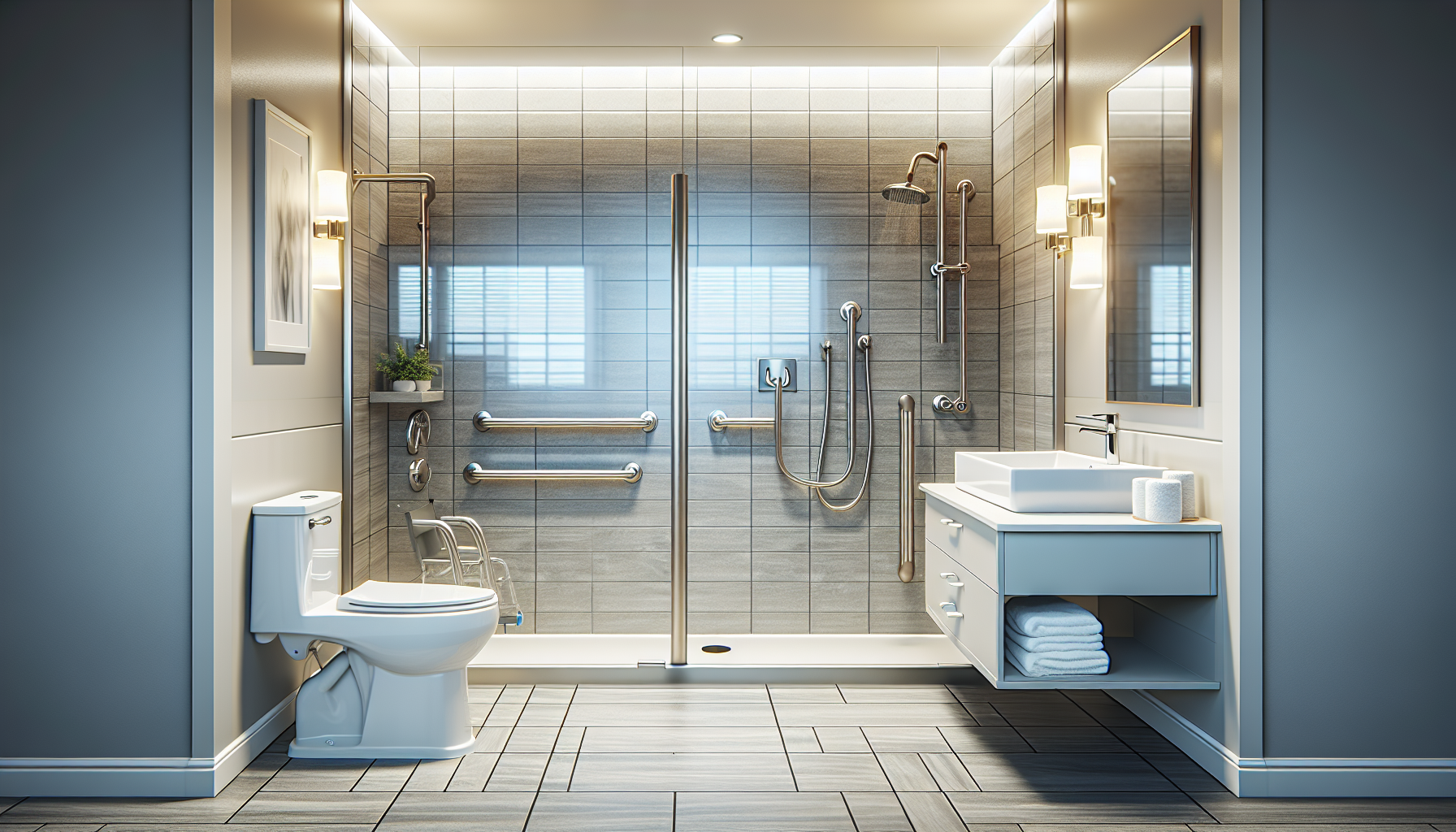
Different areas of the home require different accessible lighting strategies. Entryways benefit from bright, uniform illumination triggered by motion, door sensors, or geofencing so users do not fumble with keys in the dark. Hallways and stair landings need consistent pathway lighting with minimal shadowing. Bedrooms should support layered control: overhead fixtures for general light, bedside lamps for targeted use, and low-level floor or under-bed lights for nighttime transfers. Bathrooms require especially careful planning because wet surfaces increase fall risk. Motion-activated toe-kick lighting, illuminated mirrors, and humidity-resistant smart fixtures work well when paired with bright vanity light that minimizes shadows on the face.
Kitchens need task lighting more than almost any other room. Under-cabinet smart strips can brighten counters for meal prep, while ceiling fixtures provide ambient coverage for wheelchair turning clearances and movement around islands. For people with low vision, contrast-friendly illumination over sinks, stovetops, and appliance controls improves safety. Living rooms benefit from scene-based control: a daytime mode for reading, a relaxation mode with warmer light, and a caregiver visit mode with brighter settings. Home offices or hobby spaces should prioritize tunable desk and overhead lighting because paperwork, medication management, sewing, and online communication all depend on visual comfort.
| Area | Recommended smart lighting | Accessibility benefit |
|---|---|---|
| Entryway | Motion-sensor porch and foyer lights | Safer arrival and easier key handling |
| Hallway | Automated pathway lights at low night levels | Reduced fall risk during nighttime movement |
| Bedroom | Voice-controlled lamps and under-bed lights | Easier transfers without reaching for switches |
| Bathroom | Moisture-rated vanity and toe-kick lighting | Better grooming visibility and safer nighttime access |
| Kitchen | Smart ceiling fixtures plus under-cabinet strips | Improved task visibility for cooking and medication prep |
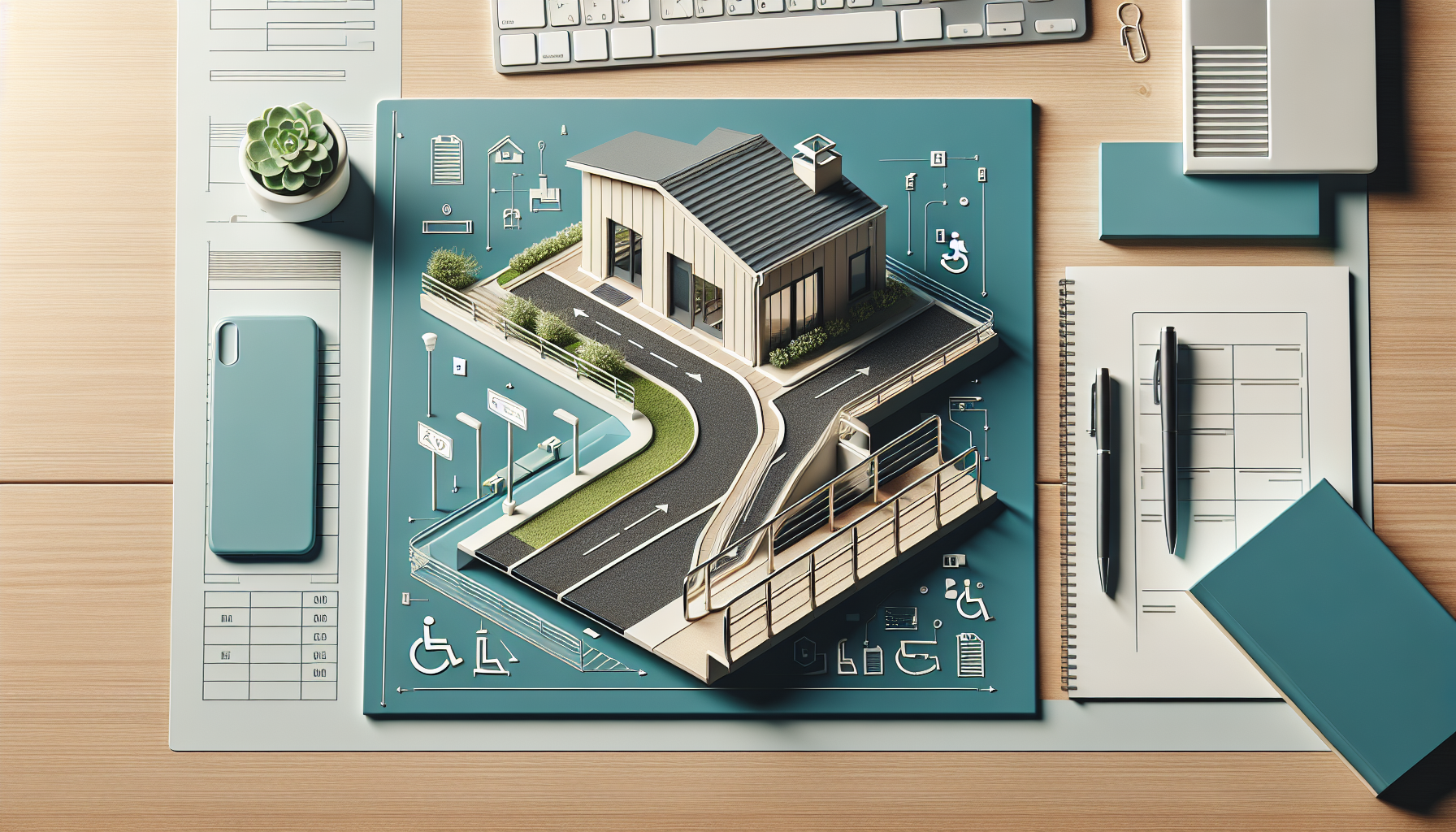
Outdoor accessible lighting is often overlooked, yet it is central to home accessibility modifications. Path lights, step lights, garage entries, and patio doors should all be integrated into the same control system when possible. I have seen excellent results from combining motion-based activation with astronomical schedules that adjust automatically to seasonal sunset changes. This keeps pathways lit without relying on users to remember timers. For households with wheelchair ramps or lifts, light placement should avoid glare on wet surfaces and provide clear edge definition. Good exterior lighting also supports security, which matters for residents who may need more time to answer a door or move to safety.
Choosing the right devices, platforms, and controls
The most common accessible smart lighting products fall into four categories: smart bulbs, smart switches and dimmers, smart plugs for lamps, and integrated fixtures or light strips. Smart bulbs are simple to install and useful in rental housing, but they can become frustrating when someone turns off the wall switch and disables automation. Smart switches are usually better for accessibility because they preserve familiar wall control while adding app, voice, and schedule features. Smart plugs work well for table lamps near seating or beds. Integrated fixtures can be excellent in bathrooms, closets, and hallways where clean, even light matters and traditional bulb swaps are inconvenient.
Platform choice shapes the user experience. Apple Home often appeals to households already using iPhones and accessibility settings like Voice Control, Siri, and strong screen-reader support. Amazon Alexa remains popular for voice routines and broad device compatibility. Google Home handles natural language well and integrates smoothly with Android ecosystems. Samsung SmartThings is powerful for mixed-device automations and more complex routines. In recent projects, Matter and Thread support have become deciding factors because they reduce vendor lock-in and improve local responsiveness. For accessibility, local control is not a luxury. If internet connectivity fails, basic scenes and switch functions should still work.
Physical controls deserve more attention than most shopping guides give them. Large paddle switches are generally easier than small buttons for users with arthritis or tremor. Wireless scene controllers placed at wheelchair height can outperform phone apps in daily use. Illuminated switch indicators help users find controls in the dark. In bedrooms, I often recommend combining a bedside button with voice commands because fatigue, dry mouth, or medication side effects can make speech control unreliable at night. For households supporting hearing loss, visible status feedback on devices and clear app notifications can prevent uncertainty about whether a command actually worked.
Budget matters, but the cheapest option is rarely the most accessible. A low-cost smart bulb may save money upfront, yet a robust switch-based system with occupancy sensors often delivers better safety and lower frustration over time. Homeowners should also check neutral-wire requirements, fixture compatibility, dimmer ratings, and whether LEDs flicker at low levels. Flicker can bother many users and may be especially problematic for people with migraine sensitivity or neurological conditions. Before buying at scale, test one room. A pilot installation in a bedroom, bathroom, or hall usually reveals practical issues faster than online reviews ever will.
Automation, safety, and integration with other home accessibility modifications
Automation is where smart lighting becomes a true accessibility tool rather than a convenience gadget. Useful automations are simple and tied to real activities: lights fading on before wake time, pathways illuminating when bedroom occupancy is detected, bathroom lights activating at a low level overnight, and entry lights turning on when a door unlocks. These routines support independence without demanding constant decision-making. The best automations are layered with manual overrides, so a resident can still use a switch, remote, or voice command whenever needed. In my experience, overly clever automations create stress. Reliable routines with obvious purpose are safer.
Lighting works best when planned alongside other home accessibility modifications. For example, widening a doorway improves wheelchair access, but adding smart ceiling and jamb lighting improves depth perception through that opening. Grab bars in bathrooms are more effective when paired with glare-controlled vanity light and nighttime pathway lighting. Stair lifts benefit from illuminated call buttons and landing lights that trigger before travel. In kitchens, lowered counters and pull-out shelving are easier to use when under-cabinet lighting clearly reveals edges and labels. Even flooring changes matter. Matte, non-slip surfaces usually reflect light more evenly than glossy finishes, reducing visual confusion.
There are limits and tradeoffs. Motion sensors can misread still users, especially someone resting in a chair or moving slowly with a walker. Voice assistants raise privacy considerations because microphones are always listening for wake words. App-based systems can overwhelm users with too many options. Power outages still require planning through battery backup lights or fixtures that default safely when electricity returns. These are manageable issues, but they should be addressed early. If you are building a whole-home accessibility plan, map lighting needs room by room, identify who will control each zone, and prioritize dependable operation over novelty.
How to plan an accessible lighting upgrade that lasts
Start with an accessibility audit rather than a shopping list. Walk through the home during the day and at night. Note where someone reaches awkwardly for switches, where shadows hide thresholds, where glare bounces off tile, and where nighttime trips occur. Measure light levels if possible, but even simple observation reveals a lot. Then define priority outcomes: safer transfers, easier navigation, better reading light, reduced caregiver burden, or improved bedtime routines. From there, choose a platform, standardize controls, and create a few named scenes that are easy to remember. Plain-language labels such as “Night Path,” “Cooking,” and “All Off” work better than clever names.
Installation quality matters. Poor placement can ruin otherwise good equipment. Put motion sensors where they detect approach without forcing exaggerated movement. Mount controls at accessible heights. Avoid placing task lights where they shine directly into the eyes of seated users. If a household includes low vision, evaluate contrast around switches, door frames, and stair nosings. If cognitive impairment is present, minimize unnecessary color changes and keep routines consistent. For larger projects, coordinate lighting with occupational therapists, certified aging-in-place specialists, electricians, and contractors handling ramps, bathrooms, or entry modifications. Smart lighting delivers the best results when it is treated as infrastructure, not decoration.
The best smart lighting solutions for accessible homes are the ones people actually use every day with confidence. They brighten critical tasks, reduce fall risk, support caregivers, and fit naturally within broader home accessibility modifications. Focus on reliable controls, room-specific lighting layers, and automations tied to real routines. Choose platforms and devices that can evolve as needs change, and test before scaling across the house. If you are building an accessibility and mobility plan, make lighting one of the first upgrades and connect it thoughtfully to entry access, bathroom safety, kitchen usability, and bedroom independence. Start with one high-impact area this week, then expand from there with a clear plan.
Frequently Asked Questions
What makes smart lighting especially useful in an accessible home?
Smart lighting is especially valuable in an accessible home because it does much more than turn lights on and off. It reduces the need to reach awkward switches, walk through dark rooms, or rely on fine motor control to manage everyday lighting tasks. For older adults, wheelchair users, people with low vision, and anyone dealing with arthritis, fatigue, balance concerns, or cognitive changes, that added convenience can directly improve safety and independence. A well-designed smart lighting system can illuminate hallways before a transfer, brighten a bathroom during nighttime trips, or keep task areas consistently visible for cooking, reading, dressing, and medication management.
It also supports routine and predictability, which are important in accessible living environments. Scheduled lighting can help reinforce morning and evening habits, while motion-activated lights can reduce fall risk in entryways, bedrooms, and bathrooms. Voice control and app-based control make it easier to adjust lighting without physically moving across a room, and scenes allow multiple lights to respond at once with a single command. In practical terms, smart lighting becomes part of the home’s accessibility infrastructure, helping people move more safely, conserve energy, reduce strain, and maintain greater control over their daily environment.
Which smart lighting features are most important for accessibility?
The most important smart lighting features for accessibility are the ones that remove physical barriers and make the home easier to navigate. Voice control is often at the top of the list because it allows someone to operate lights without using switches, reaching overhead, or handling small buttons. This can be extremely helpful for individuals with limited dexterity, upper-body weakness, pain, tremors, or mobility restrictions. Motion sensing is another key feature because it can trigger lights automatically in high-traffic or high-risk areas such as hallways, bathrooms, stairways, kitchens, and entrances. This reduces the chance of moving through dim spaces and can be particularly helpful at night.
Dimming and brightness control are also essential because different users need different levels of illumination depending on the task and time of day. Bright, focused light may be helpful for reading labels, preparing food, or personal care, while softer lighting may be more comfortable in bedrooms or evening routines. Tunable white lighting, which lets users shift from cooler daylight tones to warmer evening tones, can improve visibility during the day and create a calmer environment at night. Other valuable features include app control, large-button wall remotes, programmable schedules, scene settings, and integration with other smart home tools such as door sensors, emergency alerts, or home assistants. The best accessible systems combine several of these features so the user has multiple easy ways to control light depending on their needs.
Are smart bulbs enough, or is a full smart lighting system better for accessible homes?
Smart bulbs can be a very good starting point, especially for renters, smaller homes, or households that want a simple, lower-cost setup. They are easy to install, often work with voice assistants, and can offer useful features such as dimming, scheduling, color temperature adjustment, and app control. For someone who primarily wants easier control over lamps, bedroom lighting, or a few key fixtures, smart bulbs may be all that is needed. They can improve convenience quickly without rewiring or major installation work.
However, a fuller smart lighting system is often better for long-term accessibility because it creates more consistent, reliable control throughout the home. Systems that include smart switches, sensors, scenes, and centralized automation can make lighting more seamless in daily life. For example, a full system can turn on pathway lights automatically when someone gets out of bed, brighten a bathroom and hallway together, or activate multiple rooms at once during an emergency or late-night movement. Smart switches can also be useful because they preserve familiar wall-based control for caregivers, visitors, or family members while still supporting automation and voice commands.
In many accessible homes, the best answer is a hybrid approach. Smart bulbs may work well in table lamps or rooms where color temperature matters, while smart switches and motion sensors can handle larger circulation areas such as entryways, kitchens, hallways, and bathrooms. The right choice depends on the user’s mobility, vision, dexterity, home layout, and whether the goal is basic convenience or a more comprehensive accessibility upgrade.
How should smart lighting be set up to improve safety and navigation?
To improve safety and navigation, smart lighting should be planned around the way a person actually moves through the home. The most effective setups focus on pathways, transition points, and task areas rather than decorative lighting alone. Hallways, bedroom-to-bathroom routes, entry doors, ramps, kitchen work areas, and transfer zones should have dependable, immediate illumination. Motion-activated night lighting is especially helpful in these spaces because it provides visibility without requiring the person to search for a switch or use a phone in the dark. This can reduce fall risk and make nighttime movement less stressful.
Layering is important. Ambient lighting should provide general room visibility, while task lighting should support specific activities such as grooming, food preparation, reading, or medication sorting. Accent or pathway lighting can help define edges, doorways, and circulation routes. For people with low vision, it is often useful to avoid harsh glare, deep shadows, and dramatic lighting contrasts that make spaces harder to interpret. Even, well-distributed light is usually more effective than a single bright fixture. Dimmers and adjustable color temperature can further improve comfort and usability throughout the day.
Automation should also be purposeful. Schedules can turn lights on around waking hours, sunset, or bedtime, while scenes can simplify everyday transitions such as “morning,” “meal prep,” “bathroom at night,” or “leaving home.” If possible, include backup manual control with accessible switches, large remotes, or clearly labeled controls so the system remains usable during app issues or internet interruptions. The safest smart lighting setup is one that is easy to understand, reliable in critical areas, and tailored to the user’s real daily routines rather than built around novelty features.
What should homeowners consider before choosing the best smart lighting solution for accessibility?
Before choosing a smart lighting solution, homeowners should start by identifying the specific accessibility challenges the lighting needs to solve. For one person, the main issue may be limited dexterity and difficulty using switches. For another, it may be low vision, nighttime disorientation, wheelchair navigation, or fatigue that makes frequent trips across the room difficult. Understanding those needs helps determine whether the priority should be voice control, motion activation, brighter task lighting, scheduled routines, simpler controls, or full-home automation. The best system is not necessarily the most advanced one; it is the one that matches the user’s physical abilities, routines, and comfort with technology.
It is also important to think about compatibility, reliability, and ease of use. Homeowners should check whether devices work with existing voice assistants, smartphones, Wi-Fi networks, and light fixtures. They should also consider whether the system can still be operated with accessible wall switches or remotes, since not every user wants to rely on an app. For households with caregivers or multiple family members, shared control and simple scene settings can make daily support much easier. Installation requirements matter too. Some solutions are plug-and-play, while others may require an electrician, especially if smart switches or integrated systems are involved.
Finally, consider future needs. Accessibility often changes over time, so it is wise to choose a system that can expand. A homeowner may begin with bedroom and hallway lights, then later add bathroom sensors, kitchen task lighting, entry controls, or integration with other smart home accessibility tools. Look for products with dependable performance, straightforward setup, and a strong track record for long-term support. When chosen carefully, smart lighting can be one of the most practical and cost-effective accessibility improvements in the home, offering immediate convenience while supporting safer, more independent living over time.