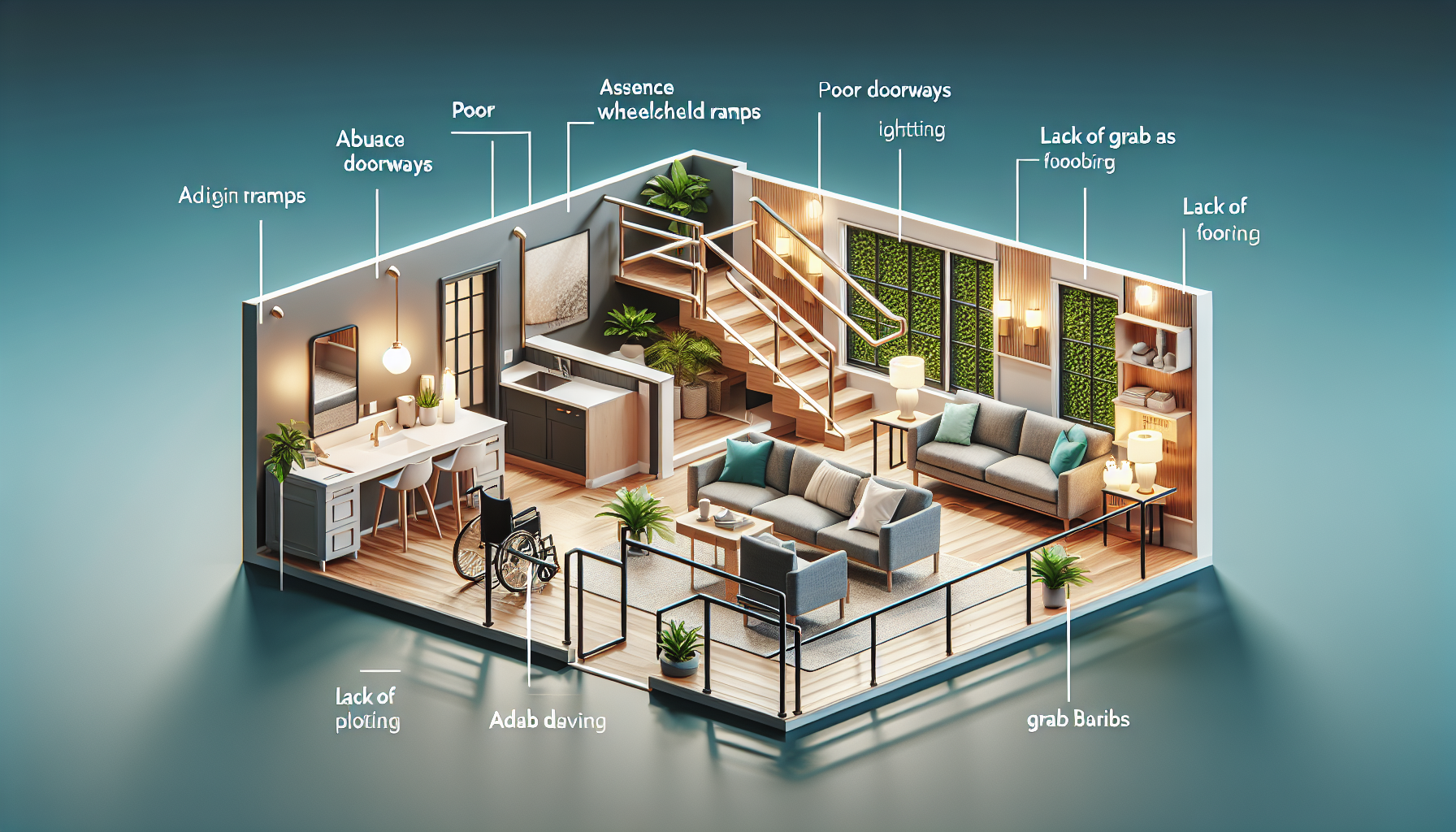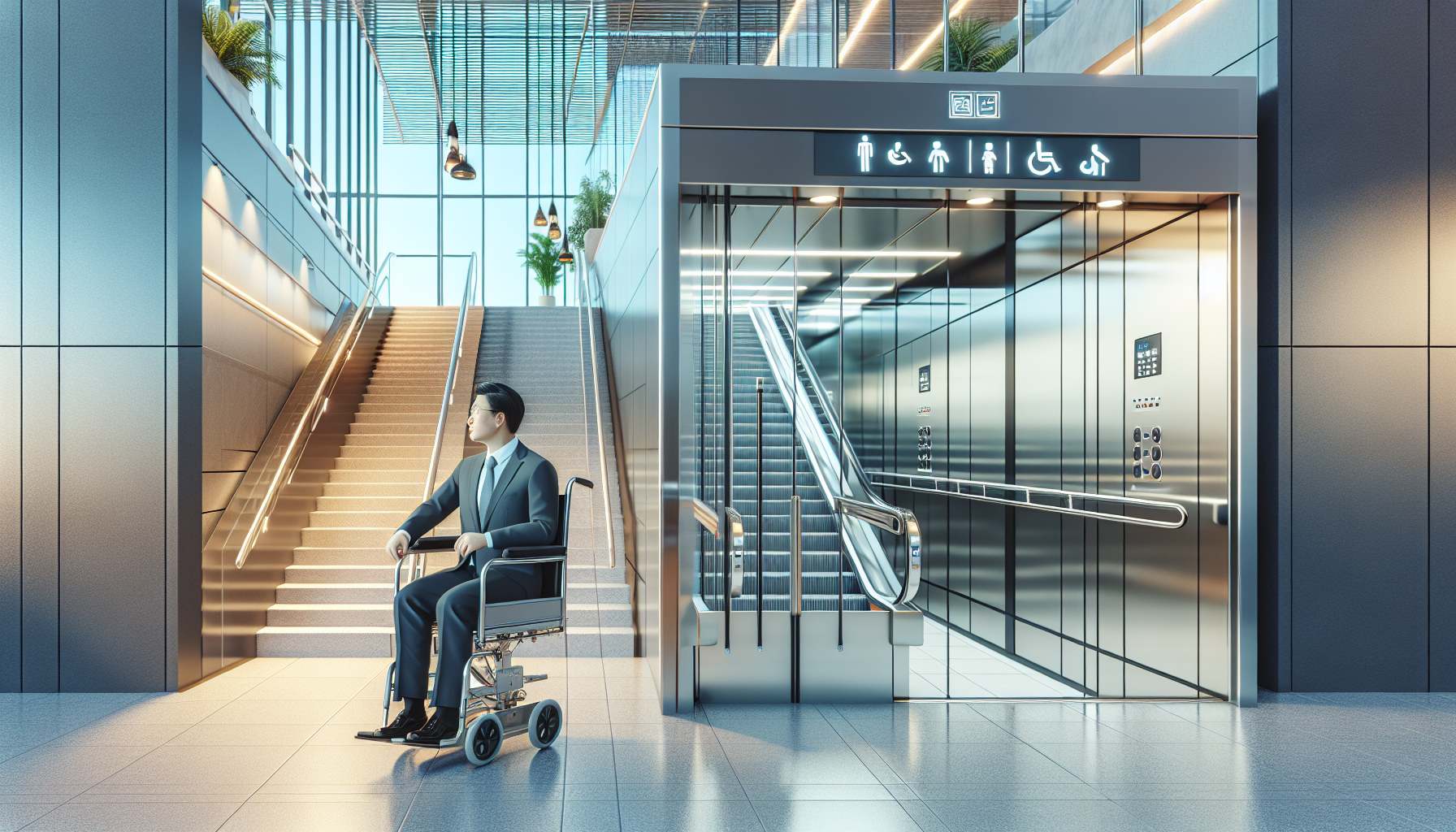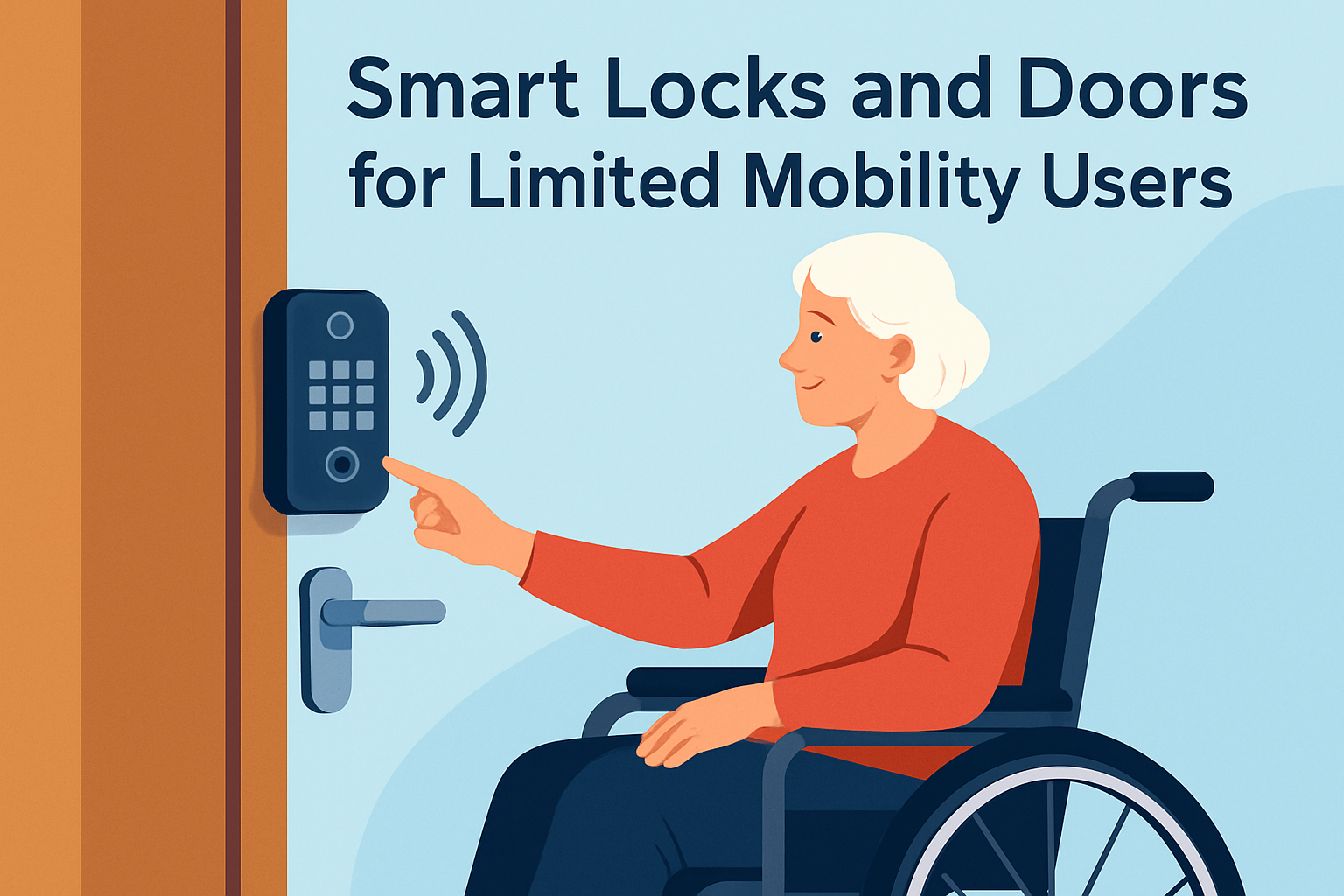
Smart locks and doors for limited mobility users turn a routine barrier into an accessible, reliable part of daily living. In practical terms, these systems combine electronic locking hardware, automated door operation, remote controls, voice assistants, sensors, and connected apps so a person can unlock, open, monitor, and secure an entry without relying on fine motor control, full reach, or physical strength. For people living with arthritis, spinal cord injury, stroke effects, neuromuscular conditions, chronic pain, or age-related mobility loss, that shift is not a luxury feature. It is a safety upgrade, an independence tool, and often the difference between asking for help and managing a home confidently.
When I evaluate accessible entry systems, I focus on three questions first: can the user operate the door from the position they actually use every day, will the system still work during power or network problems, and does it reduce effort without creating new confusion. Smart home integration matters because a lock rarely works alone. The most useful setups connect locks, door operators, video doorbells, lighting, indoor cameras, routines, and emergency contacts into a single workflow. A well-designed system can unlock the front door, open it automatically, turn on the hallway light, disarm the alarm, and send a caregiver notification in seconds. That kind of coordination saves energy, shortens transfer time, and lowers fall risk.
This hub article explains how smart home integration supports limited mobility users, what products and standards matter, and how to choose a setup that balances accessibility, security, and ease of use. It also serves as the central guide for related articles on voice control, accessible door hardware, video entry, emergency backup planning, and professional installation considerations. If you are building an accessibility plan for a home, apartment, or assisted living transition, smart locks and doors deserve careful attention because entry access affects every arrival, departure, delivery, visitor interaction, and emergency response.
What smart locks and doors include in an accessible home
Smart locks and doors for limited mobility users usually combine several layers of hardware and software. The lock may be a retrofit interior actuator such as a SwitchBot Lock Pro, or a full replacement deadbolt from Yale, Schlage, August, or Level. The door may also include an automatic opener, low-energy swing operator, powered closer, electric strike, or magnetic hold-open device depending on the building type. Access methods can include keypad PINs, RFID fobs, smartphone apps, geofencing, Apple Home Key, voice commands through Alexa, Google Home, or Siri, and accessible push plates mounted at wheelchair height.
In plain terms, the right product depends on what movement is hard. If grasping and twisting a thumb turn is the problem, a motorized deadbolt may solve it. If pushing a heavy door is the problem, the lock alone will not be enough and an operator or assisted closer becomes essential. If memory or sequencing is the challenge, a single-tap scene or voice phrase is often better than a multi-step app process. I have seen homeowners buy a premium smart lock, only to discover the door still requires too much force to pull open from a seated position. Accessible entry must be designed as a system, not as a gadget purchase.
Compatibility is equally important. Many devices use Matter, Thread, Wi-Fi, Zigbee, Z-Wave, or Bluetooth. Matter support is improving interoperability, but battery life, hub requirements, and feature depth still vary by brand. Schlage Encode Plus integrates smoothly with Apple Home and supports Home Key on iPhone and Apple Watch. Yale Assure Lock 2 offers broad ecosystem support with different modules. August has long been strong for retrofits in rentals. For more complex doors, professional access control platforms may be better than consumer locks because they support electric strikes, credential management, and integration with automatic operators.
Accessibility features that make the biggest difference
The most effective accessibility features are the ones that remove a specific physical demand. Remote unlocking matters for users who cannot reach the door quickly. Auto-unlock by phone location can help, but only when the geofence is consistent and secure. Large backlit keypads help users with low vision or tremor. Voice control can be transformative for people with limited hand function, especially when paired with a PIN-protected routine. Door position sensors confirm whether the door actually opened or closed, which is critical for users who cannot easily return to check it. Adjustable auto-lock timers can prevent the mental load of wondering whether the home is secure.
Mounting height and placement are often overlooked. Under the 2010 ADA Standards for Accessible Design, operable parts should generally be placed within accessible reach ranges and usable without tight grasping, pinching, or twisting of the wrist. Residential projects do not always legally require ADA compliance, but these principles are still the best starting point. For wheelchair users, a wall switch placed too close to a corner or behind the swing path can make an otherwise good door unusable. The same applies to video doorbell screens, keypads, and emergency release controls.
Good accessible design also considers feedback. Users need clear visual, audible, and app-based confirmation. A lock that flashes red and green, announces status through a smart speaker, and records activity in an app is easier to trust than a silent motor. For households with hearing or vision loss, multimodal feedback is not optional. It reduces errors, supports independence, and helps caregivers verify events without constant supervision.
| Need | Helpful feature | Why it matters |
|---|---|---|
| Limited hand strength | Motorized deadbolt or latch | Removes twisting and gripping effort |
| Wheelchair use | Automatic door operator | Reduces push or pull force during entry |
| Tremor or low vision | Large illuminated keypad | Makes input easier and more accurate |
| Slow transfers | Remote unlock and extended relock timing | Prevents rushing and improves safety |
| Caregiver coordination | Temporary codes and event logs | Tracks access without sharing keys |
How smart home integration improves daily routines
Smart home integration is where accessible entry becomes truly useful. Instead of operating a lock in isolation, the system can trigger a chain of actions. A common arrival routine might unlock the door, open it with a low-energy operator, switch on the foyer and corridor lights, pause the robot vacuum, and announce “front door open” on a speaker. For a wheelchair user carrying medical supplies or managing a service dog, eliminating those extra steps reduces fatigue and congestion at the threshold.
Departure routines are just as valuable. One command can close the door, lock it, turn off selected lights, and arm the security system. If the user has inconsistent stamina, this reduces the chance of leaving home unsecured because the final task felt too demanding. Indoor automations can also support caregivers. For example, when a home health aide uses a unique access code, the system can log arrival time, unlock only a designated entrance, and notify a family member. That creates accountability without invasive cameras in private rooms.
Video integration solves another common problem: getting to the door before a visitor leaves. A video doorbell linked with a smart display lets the resident answer from bed, a lift chair, or a wheelchair. If the visitor is trusted, the resident can unlock remotely and, where hardware allows, open the door automatically. In apartment settings, pairing the apartment door with an intercom bridge can prevent missed deliveries and reduce risky rushed transfers. The strongest setups are simple on the surface. The user should not need to remember device brands, communication protocols, or app paths. They should press one button, speak one phrase, or let one reliable automation handle the sequence.
Security, privacy, and reliability tradeoffs
Accessibility should never require accepting weak security. Smart locks and doors are safest when they use encrypted communication, strong account passwords, two-factor authentication, and unique codes for each user. Temporary access codes are better than sharing a permanent household code with cleaners, aides, or contractors. Activity logs are useful, but they should be reviewed with privacy in mind, especially when multiple caregivers are involved. Camera placement also deserves restraint. Aim devices at the entrance, not deep into living spaces, unless the resident has clearly chosen broader monitoring.
Reliability is the bigger concern in most accessible installations. Battery-powered locks need scheduled maintenance because low power can slow motors and increase failures. Wi-Fi dependent devices may become frustrating in homes with weak coverage near the front door, brick walls, or metal frames. Thread and Z-Wave often perform better for low-power devices, but they still need a stable border router or hub. I recommend planning for three fallback methods: a physical key or mechanical override, a battery backup or external jump option, and at least one local control that works without cloud access.
Door mechanics matter too. If the deadbolt is misaligned, the smartest lock will still struggle. A door that swells seasonally, drags on the threshold, or closes too fast will cause repeated lock jams and user distrust. Before integrating any device, fix the frame, weatherstripping, closer tension, latch alignment, and opening force. For powered operators, installer calibration is essential because excessive force can create safety hazards. The best technology feels boring in use: it works the same way every time and does not demand extra effort during a bad pain day.
Choosing the right setup for different homes and users
The best smart locks and doors for limited mobility users depend on housing type, diagnosis, caregiver involvement, and budget. In a rental, a retrofit lock that preserves the existing exterior hardware is often the easiest starting point because it avoids lease conflicts. Pair it with a video doorbell, voice assistant, and smart lighting for an effective first phase. In an owned single-family home, replacing the lock and adding a door operator can create a much more complete accessible entry system. In condos and apartments, building rules may limit exterior changes, so residents may need to focus on the unit door, intercom integration, and interior automation.
User profile matters even more than home type. Someone with mild arthritis may do well with a keypad and motorized deadbolt. A power wheelchair user with limited arm movement may need wall-mounted actuators, voice control, and an automatic swing operator. A person with cognitive fatigue may benefit from fewer options, not more: one tagged remote, one clear routine, and large status indicators. Households with frequent caregivers should prioritize code management, audit trails, and easy revocation. Households in severe weather regions should prioritize battery backups, offline operation, and locks tested for outdoor exposure.
Budget planning should include installation and maintenance, not just hardware price. A consumer smart lock may cost a few hundred dollars, but electrical work, door reinforcement, operator installation, and connectivity upgrades can multiply that cost. Even so, the return is tangible. People gain faster entry, reduced strain, safer transfers, better caregiver coordination, and fewer moments of being effectively locked out by their own front door. As you explore this subtopic, use this hub to branch into deeper guides on voice control, accessible door hardware, video entry systems, backup power, and professional assessment. Start by mapping the exact motions that are hardest today, then choose smart home integration that removes them cleanly and reliably.
Frequently Asked Questions
What are smart locks and automated doors, and how do they help people with limited mobility?
Smart locks and automated doors are entry systems designed to reduce or remove the physical effort needed to unlock, open, and secure a door. Instead of relying only on a traditional key, thumb-turn, lever, or heavy door pull, these systems can use keypads, wireless remotes, smartphone apps, voice assistants, motion sensors, touchless triggers, and powered door operators. For people with limited mobility, that means a doorway can become much easier to use independently and safely.
In everyday life, this matters because many standard doors create multiple barriers at once. A person may need to reach the lock, grip a key, rotate it precisely, hold the handle, and pull or push a heavy door while balancing a cane, walker, wheelchair, or other mobility aid. Smart access systems simplify that sequence. In many setups, a user can unlock the door with a spoken command, a large-button remote, a scheduled automation, or a tap in an app. If the system includes an automatic opener, the door can then open with little or no manual force.
These systems can be especially helpful for people living with arthritis, spinal cord injury, stroke-related weakness, neuromuscular conditions, chronic pain, reduced balance, or limited hand dexterity. They can also support caregivers and family members by allowing remote monitoring, temporary access codes, and notifications when a door has been opened, left ajar, or locked. In short, smart locks and doors improve accessibility by turning entry from a physically demanding task into a more reliable, controlled, and user-friendly part of daily living.
Which features matter most when choosing a smart lock or door system for accessibility?
The best accessibility features are the ones that directly match the user’s physical needs, home layout, and daily routine. One of the most important features is having multiple ways to operate the system. A smart lock that works only through a small touchscreen app may not be ideal for someone with visual changes, tremors, or limited finger control. In contrast, a system that offers voice control, a handheld remote, keypad access, automatic locking, and app-based management gives the user flexibility and backup options.
Low-effort operation is another major factor. Look for locks with easy-turn interior mechanisms, large and clearly marked keypads, touchless entry options, and compatibility with automatic door openers. If the person has difficulty with grip strength or reaching overhead, wall-mounted push plates, wheelchair-height controls, and geofencing-based unlocking may make a big difference. Reliable remote access is also valuable, especially if a caregiver or family member may need to unlock the door from another room or from off-site.
Safety and dependability should be considered just as carefully as convenience. Strong battery life, low-battery alerts, manual override options, secure user permissions, door position sensors, and dependable performance during daily use are essential. If the user would be at risk if the system failed, backup power or battery-supported operation becomes even more important. It is also wise to choose products that integrate well with other accessible home technology, such as video doorbells, intercoms, smart lighting, and emergency alert systems.
Finally, ease of installation and day-to-day usability matter more than flashy features. The right system should feel predictable, simple, and comfortable to use. A slightly less advanced device that works consistently and is easy to understand is often better than a complex setup that creates confusion or requires frequent troubleshooting.
Are smart locks and automated doors safe and reliable for users who depend on them every day?
Yes, in most cases they can be very safe and reliable, provided they are chosen carefully, installed correctly, and maintained regularly. For limited mobility users, reliability is not just a convenience issue; it is a safety issue. A dependable system should consistently lock and unlock as expected, provide clear status updates, and offer backup ways to enter or exit if the primary control method is unavailable.
Modern smart locks from reputable manufacturers typically include encryption, account security controls, activity logs, and customizable user permissions. These features can improve security compared with traditional key-only systems, especially when users want to avoid hiding spare keys or physically rushing to the door. Automated door systems can also improve safety by reducing the chance of falls, overreaching, or strain injuries that might happen when someone tries to manage a heavy or awkward door manually.
That said, no system is truly reliable unless it accounts for real-world problems. Batteries need to be monitored and replaced on schedule. Wi-Fi or smart home connectivity should be stable if remote or voice features are important. The system should also have a clear backup plan, such as a physical key, emergency battery jump feature, manual release, or alternate access door. For many households, the best approach is to combine smart convenience with fail-safe access methods.
Professional installation is often worth considering, especially for powered door operators, accessibility retrofits, or homes where the user cannot easily compensate for a malfunction. Routine testing is also important. Users and caregivers should know how to operate the system under normal conditions and how to respond if the internet goes down, the battery runs low, or a door sensor does not behave correctly. When these practical steps are in place, smart locks and doors can be a dependable part of independent living.
Can smart locks and doors be installed on existing homes, or do they require a full remodel?
Many smart locks can be added to existing doors without a full remodel, which is one reason they are so popular. Some models replace only the interior thumb-turn mechanism of a deadbolt, while others replace the full lockset. In many homes, installation is straightforward if the current door and frame are in good condition and use common hardware sizes. This can provide immediate accessibility improvements without major construction.
Automated door operation can also be added in many retrofit situations, but the complexity varies more. A lightweight residential door may be a good candidate for an add-on door opener, while a heavy exterior door, storm door combination, narrow landing, or misaligned frame may require additional work. In some cases, widening the doorway, adjusting thresholds, improving clear floor space, or upgrading hinges and closers can make the system work more smoothly and safely. The goal is not just to make the door motorized, but to make the entire entry sequence accessible.
For users with significant mobility limitations, it is often helpful to think beyond the lock itself. A successful retrofit may include lower-mounted controls, accessible lighting, video communication, weather protection at the entry, and enough maneuvering room for a wheelchair or walker. If the user enters through a garage, side door, or apartment corridor, those surrounding conditions matter just as much as the lock hardware.
In short, many homes can be upgraded without a full renovation, but the best results come from evaluating the complete access path. For straightforward smart lock replacement, a skilled homeowner may be able to handle installation. For automatic doors or more advanced accessibility needs, an experienced installer, locksmith, or accessibility professional can help ensure the system fits the user instead of forcing the user to adapt to the system.
How can caregivers and family members use smart entry systems without taking away a person’s independence?
One of the biggest advantages of smart locks and connected door systems is that they can support both independence and peace of mind at the same time. A well-set-up system allows the primary user to control their own entry in the way that works best for them, while still letting caregivers or family members step in only when needed. The key is to use the technology as a support tool, not as a substitute for the user’s autonomy.
Features like separate user codes, remote unlocking, scheduled access, and real-time alerts can be very helpful. For example, a caregiver can receive a notification if the front door is left unlocked late at night, or a family member can remotely open the door for a delivery when the resident cannot get there quickly. Temporary access codes can be assigned to home health aides, therapists, or maintenance workers without handing out physical keys that may be lost or copied. This creates a more controlled and transparent access system.
To preserve independence, it is important to set clear expectations and permissions. The user should, whenever possible, decide who has access, when they have it, and what kinds of notifications are shared. Some households prefer silent backup access only for emergencies, while others want daily status updates. The right balance depends on the person’s health, comfort level, and living situation. Privacy should be part of the conversation from the beginning.
When chosen thoughtfully, smart entry systems can reduce stress for everyone involved. The user gains easier, more dignified access to their own home, and caregivers gain safer, more efficient ways to help when assistance is truly needed. That combination is often what makes these systems so valuable in accessibility planning: they expand control rather than limiting it.